
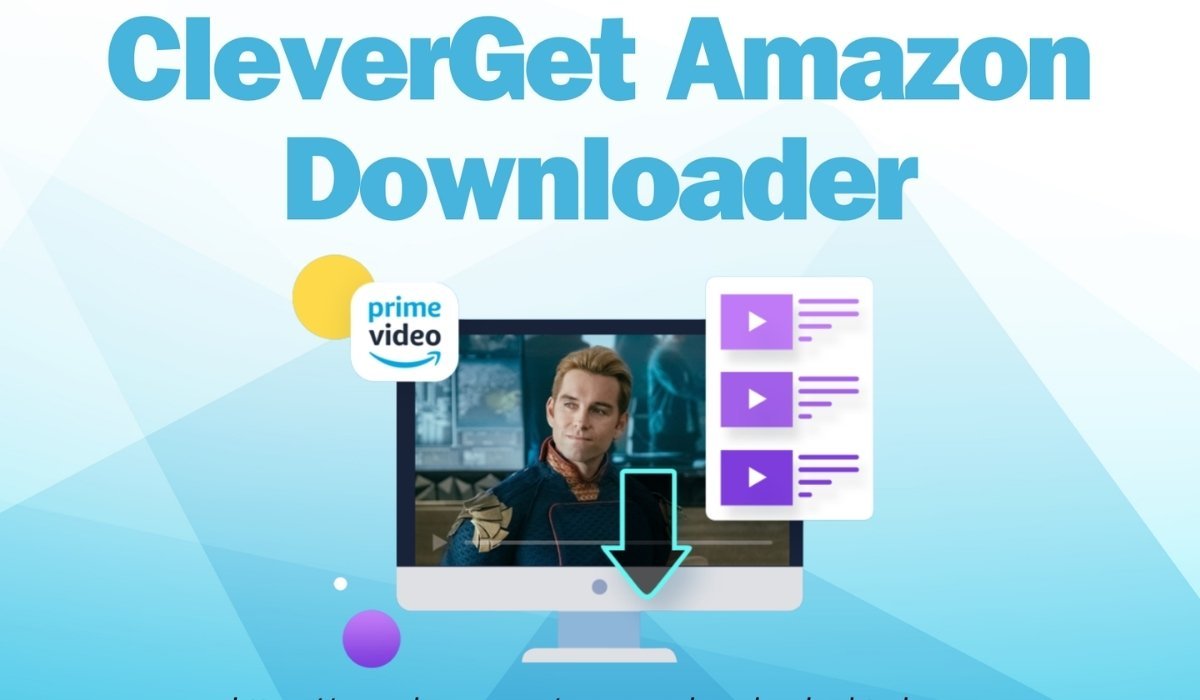
CleverGet is a multimedia software tool designed for downloading and recording online videos from streaming platforms. It is widely used by people who want offline access to movies, series, live streams, and web content. The software works through a built-in browser that detects playable media and generates downloadable formats such as MP4 and MKV. It supports major platforms including Netflix, YouTube, Amazon Prime Video, Disney+, and thousands of other websites.
In simple terms, CleverGet helps users save streaming content directly to their devices. It combines downloading and recording features in one application, making it a flexible solution for offline viewing. Its popularity comes from its ability to handle high-resolution content and batch downloads. However, performance may vary depending on platform restrictions and DRM protections. Overall, it is considered a powerful but technical tool for advanced users who need offline media access.
| Quick Bio | Details |
| Software Name | CleverGet |
| Developer | Leawo Software |
| Category | Video Downloader / Recorder |
| Supported OS | Windows, macOS |
| Output Formats | MP4, MKV, WEBM |
| Max Resolution | Up to 8K (platform dependent) |
| Main Function | Streaming Video Download & Record |
| Target Users | Offline Media Viewers |
| Pricing Model | Paid License |
| Status | Active Software Tool |
CleverGet Development Background and Company
The development of CleverGet comes from Leawo Software, a company known for multimedia tools including converters, burners, and video utilities. CleverGet was created to meet increasing demand for offline video access in a streaming-dominated world. As more platforms introduced download restrictions, tools like CleverGet emerged to give users alternative access to media content.
Over time, the software evolved into a modular system with specialized download engines for different streaming platforms. Each module is designed to handle specific services such as Netflix or YouTube. This structure makes it more flexible but also more complex compared to basic downloaders. The focus remains on high-quality video extraction and ease of use through an integrated browsing experience.
CleverGet Interface and User Experience

The interface of CleverGet is built around a built-in browser that allows users to navigate streaming websites directly inside the application. When a video is played, the software automatically analyzes the stream and provides download options. This reduces the need for manual URL copying or external tools.
Users generally find the layout clean and structured, although it can feel technical for beginners. The main dashboard includes different modules for services like YouTube, Netflix, and Amazon Prime Video. Each module works independently and provides tailored download options. While the interface is functional, it is designed more for efficiency than visual simplicity, which appeals to advanced users who prioritize performance.
CleverGet Core Downloading Technology
At its core, Cleveret uses stream parsing technology to detect video files embedded in web pages. Once a video is detected, the software breaks down available formats, resolutions, and audio tracks. Users can then select preferred output settings before downloading.
This method is different from simple screen recording because it attempts to capture original media streams. However, due to DRM protection on many platforms, actual results may vary. Some services limit downloads to lower resolutions or block direct extraction entirely. Despite these limitations, CleverGet still provides multiple options for saving accessible content efficiently.
CleverGet Supported Platforms and Compatibility
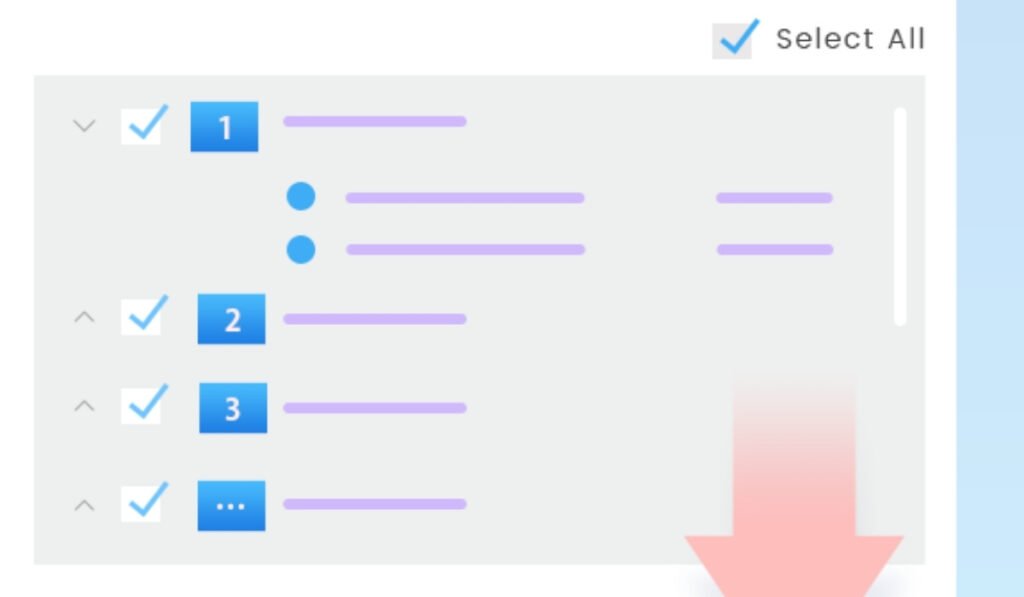
One of the biggest strengths of ClevrGet is its wide compatibility with streaming platforms. It supports over a thousand websites including major OTT services like Netflix, Disney+, Hulu, and Amazon Prime Video. It also works with social media platforms such as YouTube, Facebook, TikTok, and Twitter.
However, compatibility is not uniform across all services. Some platforms restrict download quality or require updates to maintain functionality. Users often find that YouTube works more smoothly compared to heavily protected subscription services. Still, the broad compatibility makes CleverGet a versatile tool for mixed media downloading needs.
CleverGet Video Quality and Output Options
CleverGet supports multiple video resolutions depending on source availability, ranging from standard definition up to 8K in some cases. It also supports audio extraction at high bitrate levels and allows users to save subtitles in separate files.
The output formats include MP4, MKV, and WEBM, which are widely compatible with most devices. Users can also choose codec preferences such as H.264 or H.265 depending on storage and quality needs. However, actual output quality depends heavily on the original streaming source and DRM limitations. This means results may differ across platforms and content types.
CleverGet Download Speed and Performance
Performance is one of the most discussed aspects of CleverGet. The software is capable of high-speed downloading when conditions are optimal. It uses multi-thread processing to accelerate downloads and supports batch downloading for multiple videos simultaneously.
However, users often experience a waiting period during the “analyzing” phase before downloads begin. This is when the software scans and decrypts available streams. Depending on video length and platform restrictions, this process can take from a few seconds to several minutes. Once analysis is complete, actual download speed is usually stable and efficient.
CleverGet Recording Mode Explained
In addition to downloading, CleverGet includes a recording mode that captures video as it plays. This feature is especially useful for content that cannot be directly downloaded due to restrictions. The recorder supports up to 4K resolution and can capture live streams as well.
This method ensures compatibility with nearly any playable video, but it is slower because it depends on real-time playback. Some users prefer recording mode when download modules fail. It acts as a fallback system that increases the overall flexibility of the software. Despite being slower, it ensures broader access to content.
CleverGet Pricing Plans and Cost Structure
CleverGet follows a paid licensing model with annual and lifetime plans. Pricing varies depending on promotions and included modules. The annual plan typically includes updates and support for one year, while the lifetime plan offers permanent access.
Although the software is not free, it is positioned as a premium tool for users who require consistent downloading capabilities. Some users consider the cost high compared to simpler download tools, but others value its advanced features and multi-platform support. Pricing remains one of the most debated aspects of the software.
CleverGet Installation and Setup Process
Installing CleverGet is relatively straightforward. Users download the installer from the official website and follow standard installation steps. After installation, the software opens with a dashboard showing different platform modules.
Each module can be launched independently, and users can log into streaming accounts if required. Once configured, the software is ready to analyze and download content. Initial setup may take a few minutes, especially when selecting preferred formats and download directories. Overall, installation is simple but feature configuration may require some learning.
CleverGet Advantages and Strengths
CleverGet offers several advantages that make it appealing to users who need offline video access. It supports high-resolution downloads, batch processing, and subtitle extraction. Its built-in browser eliminates the need for external tools, and its multi-platform compatibility makes it versatile.
Another strength is its dual functionality: downloading and recording. This ensures that even restricted content can still be saved in some form. The software also supports playlist downloads, which is useful for series and channel-based content. These features collectively make it a comprehensive media tool.
CleverGet Limitations and Weaknesses
Despite its strengths, CleverGet has limitations. DRM restrictions on streaming platforms often reduce maximum available resolution. Some users report that certain platforms only allow lower-quality downloads such as 720p or 480p.
Another limitation is performance inconsistency. The analyzing stage can be slow, and results may vary depending on updates from streaming services. Additionally, the software is resource-heavy and may require a strong computer for smooth operation. These factors can affect user experience, especially for beginners.
CleverGet Safety and Security Aspects
CleverGet is generally considered safe when downloaded from official sources. It does not typically include malware or harmful software. However, users must always be cautious when installing third-party applications.
From a legal perspective, usage depends on how the software is applied. Downloading copyrighted content without permission may violate platform terms of service. Therefore, users are advised to follow legal guidelines and use the software responsibly for personal or permitted use only.
CleverGet Real-World User Feedback
User feedback on CleveGet is mixed. Some users appreciate its ability to download high-quality content and handle multiple platforms. Others report issues with DRM restrictions and inconsistent resolution output.
Discussions across online communities suggest that while it is powerful, it is not perfect. Some users prefer alternative tools for specific platforms, while others continue using CleverGet for its all-in-one capability. Overall satisfaction depends on individual expectations and usage scenarios.
CleverGet Alternatives in the Market
Several alternatives exist in the video downloader market, including tools like 4K Video Downloader, StreamFab, and JDownloader. Each offers different strengths in terms of speed, compatibility, and ease of use.
Compared to these, Cleveret stands out for its built-in browser and dual download/record system. However, alternatives may perform better in specific areas such as simplicity or stability. Choosing the right tool depends on user needs, budget, and technical comfort level.
CleverGet Use Cases and Practical Applications
CleverGet is commonly used for offline entertainment, content archiving, and educational purposes. Users download videos for travel, study, or personal viewing without internet access.
Content creators may also use it for reference material, while educators use it for offline teaching resources. Its flexibility allows it to serve multiple purposes across different user groups. However, responsible usage remains important due to content licensing rules.
CleverGet Future Development and Updates
The future of CleverGet depends on continuous adaptation to streaming platform changes. As DRM technology evolves, the software must update regularly to maintain compatibility. Developers frequently release updates to improve performance and expand platform support.
Future improvements may include faster analysis times, better resolution consistency, and improved user experience. As demand for offline viewing continues, tools like ClevrGet are likely to evolve further in functionality and stability.
CleverGet Final Analysis and Summary
CleverGet is a powerful but complex video downloading tool designed for users who need offline access to streaming content. It combines downloading and recording features with broad platform compatibility and high-resolution support.
While it offers strong capabilities, it also faces limitations due to DRM restrictions and performance variability. It is best suited for users who understand streaming technology and require advanced downloading features. Overall, it remains a notable tool in the video downloader category with both strengths and trade-offs.
FAQs
1. What is CleverGet used for?
- It is used for downloading and recording online videos from streaming platforms for offline viewing.
2. Is CleverGet free or paid?
- It is a paid software with annual and lifetime licensing options.
3. Does CleverGet support Netflix and Amazon Prime?
- Yes, but download quality may vary due to DRM restrictions.
4. Is CleverGet safe to install?
- Yes, when downloaded from the official source, it is generally safe.
5. What formats does CleverGet support?
- It supports MP4, MKV, and WEBM formats with multiple resolution options.